NEXIQ Technologies' next-generation in-vehicle interface USB-Link 2 has arrived. The new USB-Link ™ 2 is reliable and robust, and is five times faster than its predecessor. It has 16 times more RAM than the old USB-Link, and supports heavier bus loads on simultaneous channels. 


Interfase de diagnostico para diésel USB Link2 de NEXIQ
2021年7月20日星期二
NEXIQ USB Link2 diesel diagnostic interface

2021年7月19日星期一
(Fixed) VVDI Key Tool Plus error “Start transfer receive data failed” – The Blog of www.autonumen.com
Tried to write data to esl simulator with Xhorse VVDI Key Tool Plus and got error “Start transfer / receive data failed”. I’m using Xhorse emulator.
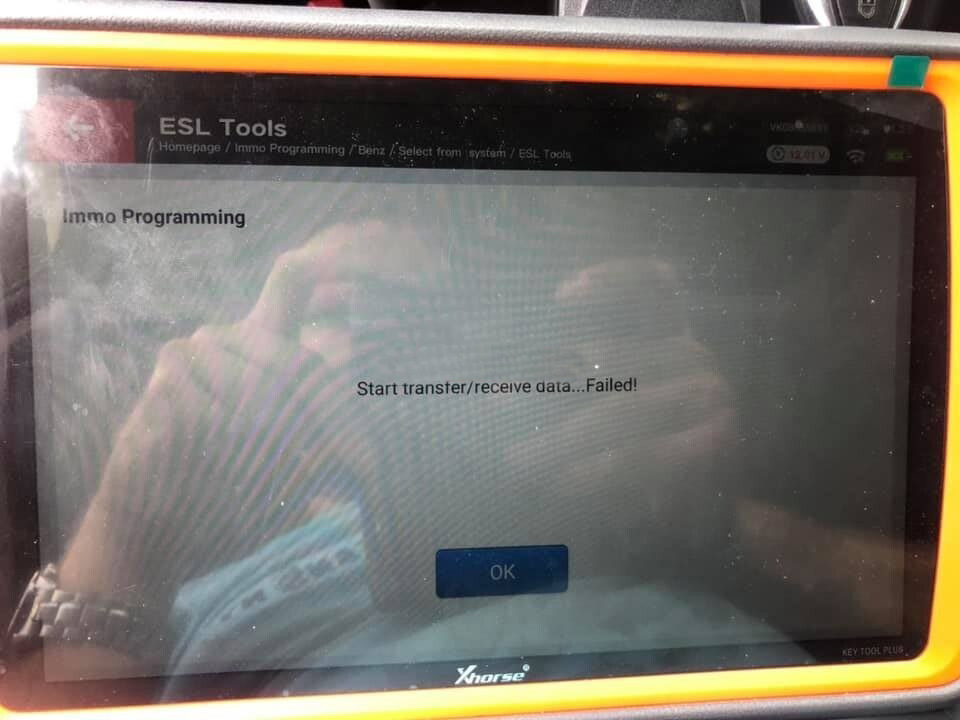
Working solution for sharing:
1. Buy tokens for calculation on line.
2. Buy the OBD2 Adapters for Mercedes Benz. It comes with 5 different adapters.
3. Do the Programming on the bench. The elv cannot be done. In the vehicle.
Finally, I bought MB tokens and ordered benz obd adapter with 5 different adapters, then write it on bench. It is going to work.
Glad to help
2021年7月18日星期日
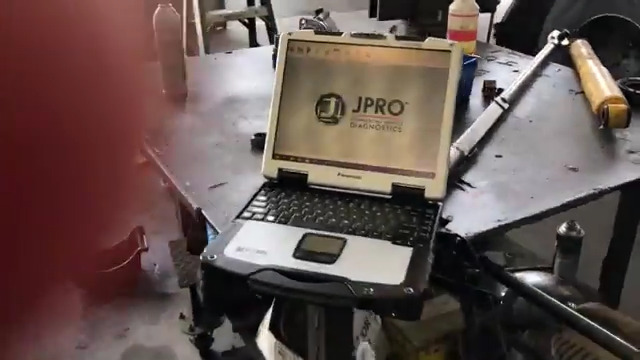
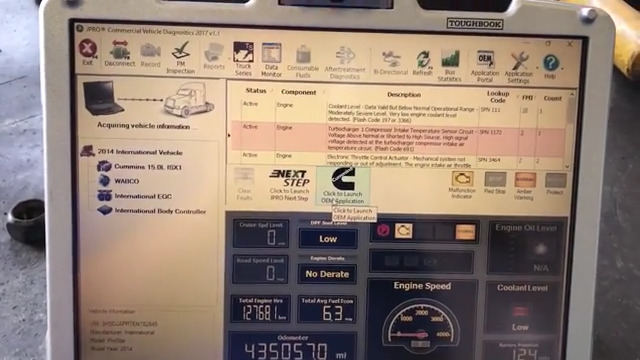
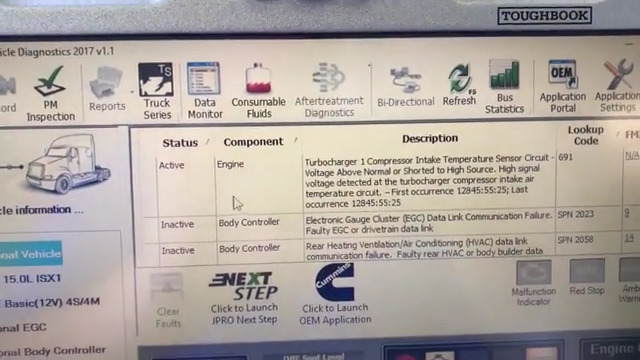
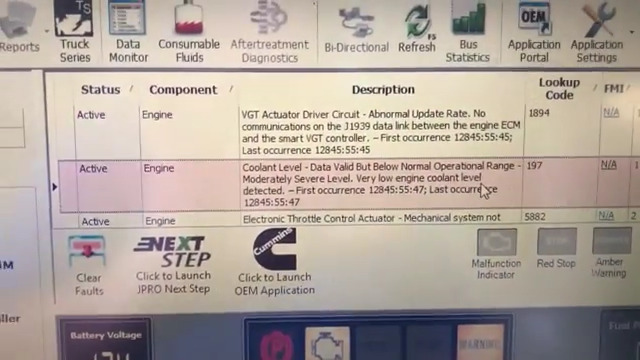
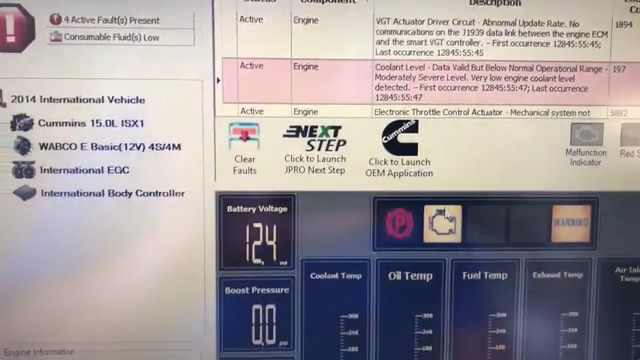
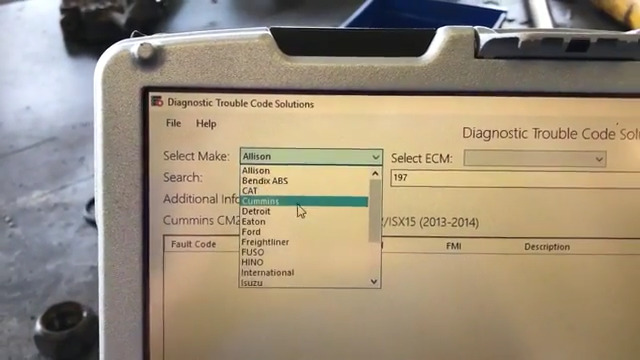
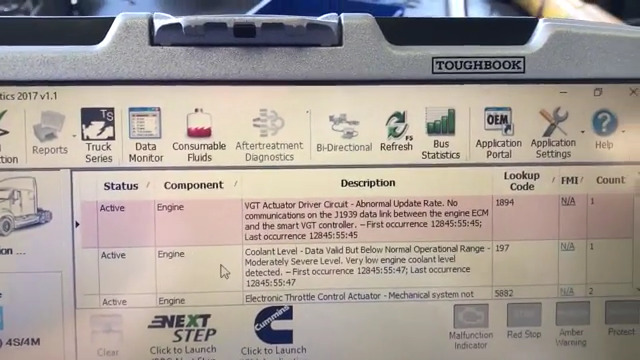
JPRO Heavy Truck Diagnostic Scanner Tool on 2014 International with Cummins
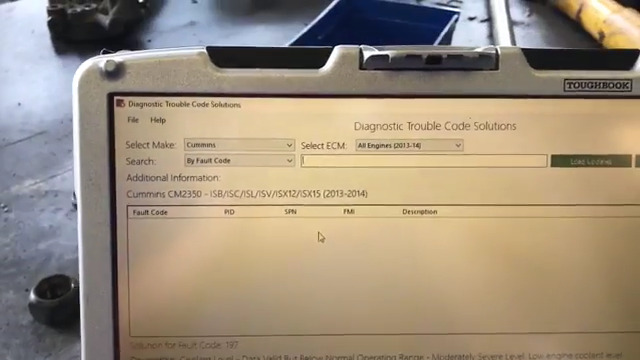
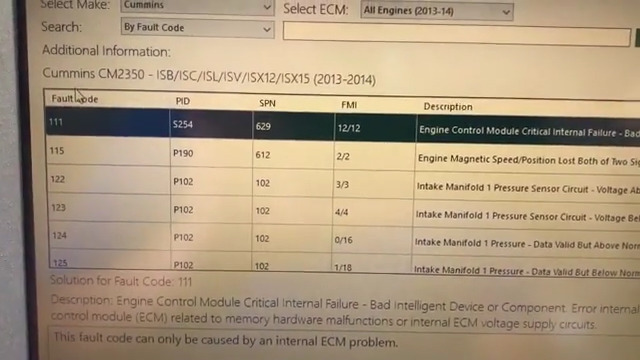
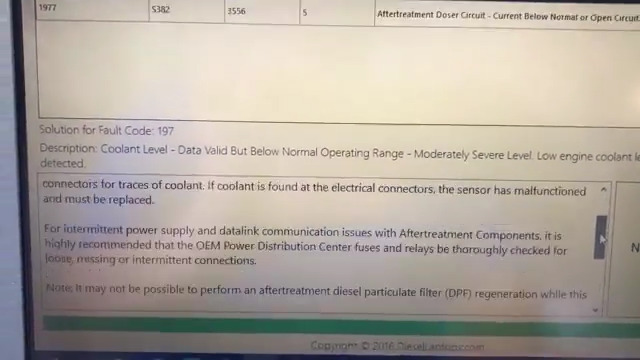
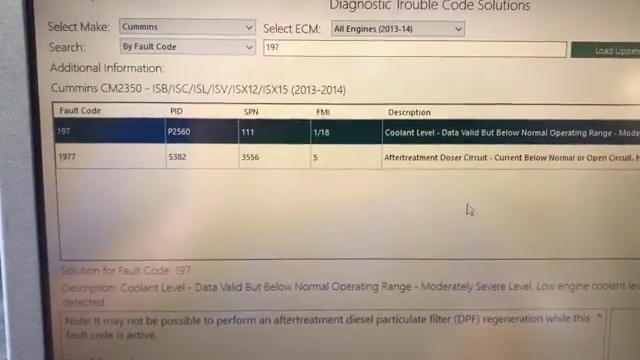
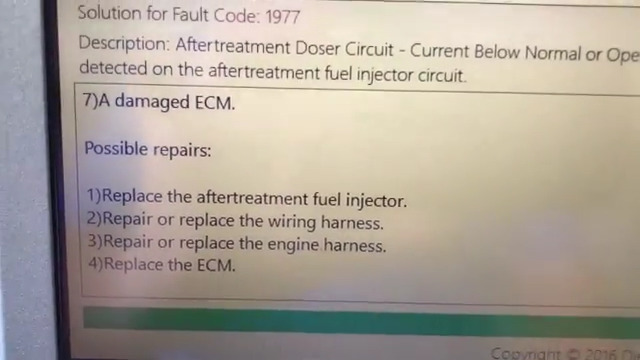
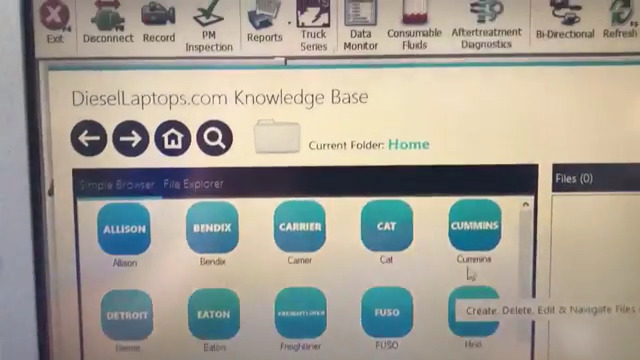
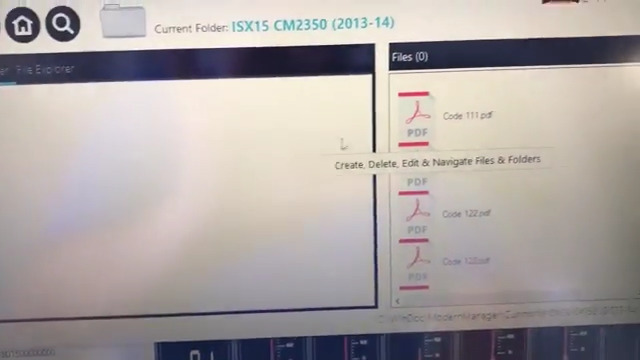
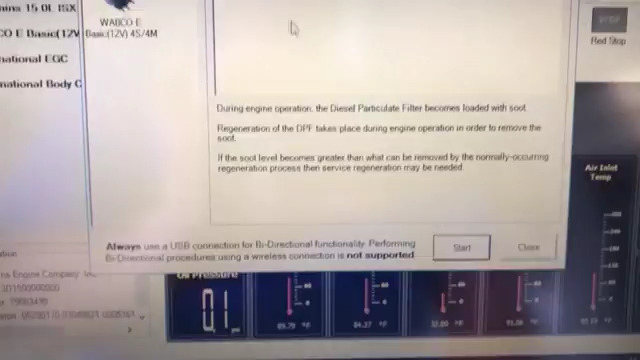
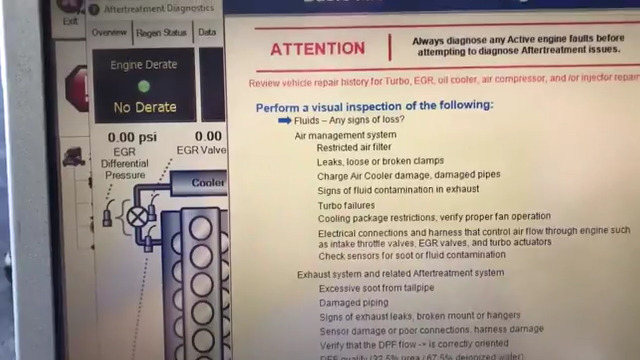
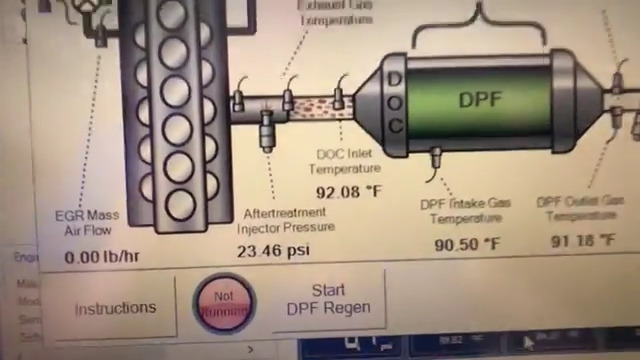
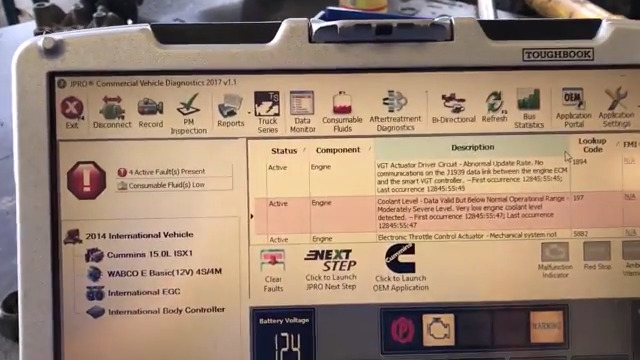
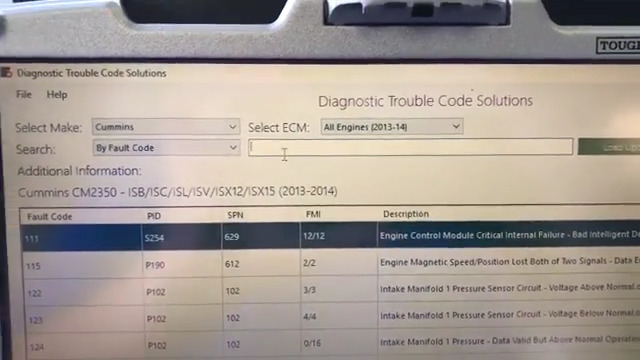
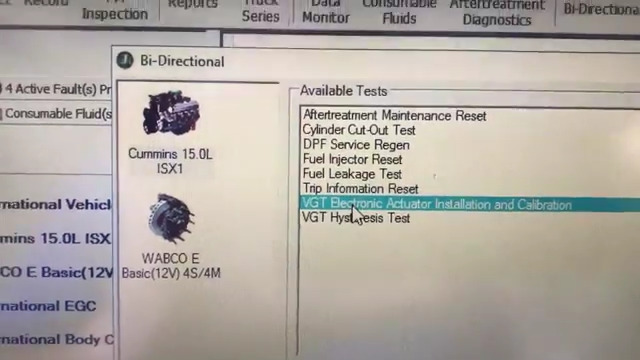
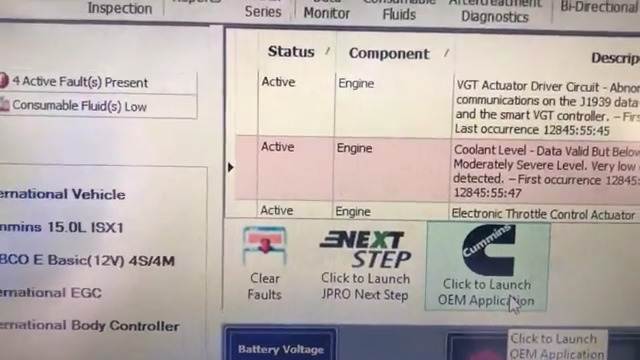
We use the JPRO software from 2017 v1.1 on this International with a Cummins engine. By pairing this software with our proprietary troubleshooting software, this powerful tool not only reads/clears codes, but also performs a variety of bi-directional commands such as DPF regen.
The is the most comprehensive and powerful all makes, all models diagnostic tool available in the industry today. In one, easy annual subscription, JPRO provides a complete & unparalleled diagnostic service & repair solution with bi-directional functionality.
Next Step Service Information module helps speed up repair times by providing users with detailed engine repair information and troubleshooting guides for ABS and Transmissions – with the click of a button.
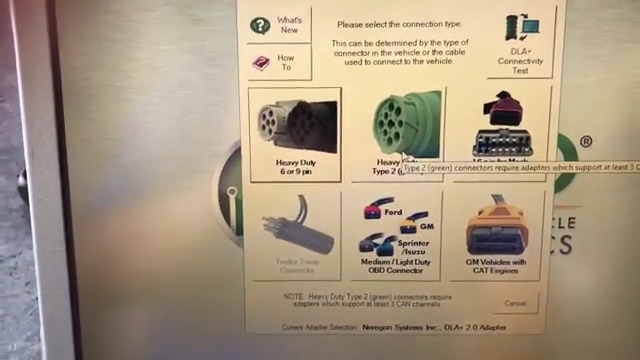
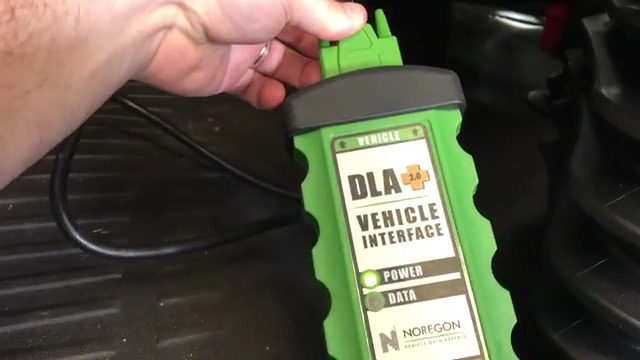
Noergon’s DLA+ 2.0 adapter is a diagnostic communication device designed to interface between a vehicle and PC via USB cable for diagnostic and vehicle information, re-programming or parameter adjustments.
JPRO Heavy Duty Dignostic Tool Includes:
1.Software on DVD-ROM with Keygen and Drivers
2.JPRO DLA+ 2.0 Adapter Cable
3.Heavy-Duty Vehicle Cables Type 2 Vehicle Cables (6-Pin & 9-Pin)
4.Medium-Duty Type-B OBDII Cables (Ford, GM, Sprinter/Hino/Isuzu, Mack & Volvo)
5.USB Cable
Language: English & Spainish
Please feel free to contact us ,If you have any question:
Live Support: Chat with us online
Whatsapp: +86-18437976115
Email: service@autonumen.com
Skype:chryssan2006
2021年6月29日星期二
Includes Nexiq USB Link 2 Companion Guide
We consider ourselves the authority on the Nexiq USB Link 2, and this guide proves it. Created by us, we are now including it with the USB Link 2’s for a fraction of the price. This guide is a 30+ page power-packed PDF that will give you information such as:
Step-by-step instruction with clear, concise pictures on how to set
the proper adapter for each diesel program. This includes 19 different
programs such as Cummins Insite, CAT ET, Premium Tech Tool, Eaton
Service Ranger, Detroit Diesel Diagnostic Link, and many, many more!
The most common problem people have with a Nexiq USB Link 2
is that it won’t connect to the truck. But how do you figure out if its
the adapter, the truck, the computer, or the cable? Well, we have
created a simple 6-step process to help you figure it out! This guide
gives pictures for every single step! We also include a custom
flow-chart that you can print out and keep with your USB Link!
Clean up that pesky adapter list! Yes, you don’t need to have 20+
different adapters listed & installed on your laptop if you only
have 1. We show you how to delete and clean them out!
We provide a complete list of accessories, with direct link to purchase,
for all types of accessories for your USB Link. This includes extra
cables, replacement cables, and protective gear to keep your USB Link running smooth!
PC-to-vehicle interface compatible with multiple software applications, minimizing your investment in multiple brand-specific diagnostic interfaces.
Class 1 Bluetooth provides up to 100 feet of wireless freedom
Flexible configuration supports wired or wireless connectivity
Compatible with applications that diagnose engines, transmissions, ABS, instrument panels and more
Reduce reprogramming times with direct USB connection
Mixed fleet capabilities with broad protocol support
Quick access to vehicle data for maintenance or management reports
Quickly attaches to vehicle’s diagnostic connector
No messy cables to untangle or get in the way with Bluetooth
Easy portability increases flexibility
May be used with desktop PC or laptop
FEATURES:
RP1210A, RP1210B, RP1210C and J2534 API support
Bluetooth vehicle-to-PC wireless connectivity
USB vehicle-to-PC connectivity
Protocol coverage for automotive to heavy duty vehicles:
3 CAN – J1939/CAN125/CAN250/CAN500/CAN1000
Automatic bit rate detection for all standard CAN channels
Single Wire CAN
Fault Tolerant CAN
J1587/J1708
J1850
ISO 15765 (Diagnostic CAN)
ISO 14230 (KWP2000 over ISO9141)
J2534
ALDL
ATEC 160 (160 baud)
Supports Windows® XP, Windows® 7 32- and 64-bit versions, and Windows® 8 32- and 64-bit versions
2020年11月5日星期四
How to Install 2014 ALLDATA 10.53 + 2015 Mitchell OnDemand Software ?
How to Install 2014 ALLDATA 10.53 + 2015 Mitchell OnDemand Software ?
Alldata 10.53 plus Mitchell Ondemand 2 in 1 software now the latest version is 2014 alldata 10.53 and 2015 Mitchell Ondemand
first when you get the software, the following steps and notes for you to install it:
Step1: computer system requirment: windows XP or Windows 7 operate system.
Step2: Remove the antivious Program from your computer
Step3: open the alldata software from the HDD, then there is a video for you how to install the software step by step.
If you install the software and appear the below situation:
then click ok to close, then will be ok
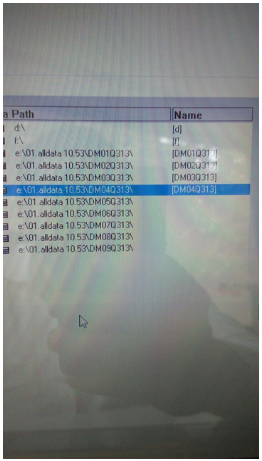
now the alldata and mitchell ondemand 2 in 1 are with best price: 105USD
any more details please contact us: sale@autonumen.com
2020年9月29日星期二
Know About MAN-cats T200 MAN Diagnostic Tool
MAN Diagnostic Tool MAN Cats T200 is a new arrival device , let’s see what’s the tool is .
Heavy Duty Diagnostic MAN-cats T200 is an external diagnosis system with the most extensive test depth for electrical systems in MAN commercial vehicles. This Dealer Level diagnosis system is ideally suited to use in a workshop as well as mobile usage
Features:
1. It is special dealer level diagnostic too for MAN trucks.
2. It support both Diagnose and Offline programming.
3. With one year warranty.
4. Support multi-languages: German, English, French, Spanish, Italian, Dutch, Portuguese, Russian, Greek, Croatian, Turkish, Polish, Romanian
5. Software do not support update
Examples of Diagnosable Systems:
• Electronic brake systems (EBS).
• Electronically controlled air suspension (ECAS).
• Engine regulation (EDC).
• Retarder.
• Gearbox.
• Air-conditioning systems.
• Central computer.
• Instrumentation.
• Door module.
• Airbag.
• And much more.
Possibilities of Use:
• Simple testing of actuators.
• Visualisation and assessment of current sensor signals.
• Identification of control unit in assembled condition.
• Depiction of all stored diagnosis entries.
• Fast orientation on vehicle by means of integrated overview wiring diagrams.
• HD-OBD scantool (Heavy Duty On Board Diagnosis), read-out and presentation of data relevant to exhaust gas.
Package Including:
1pc x T200 Communication Interface
1pc x OBD2 Main Cable
1pc x 12-pin Round Cable
1pc x OBD2 Adapter Cable
1pc x USB Cable
2020年9月23日星期三
Solution Caterpillar SIS CAT SIS 2019 fail to display pictures
If you purchased the CAT SIS 2019 software from OBD2TOOL.COM,
having problems with the software not being able to display images,
You can follow our steps to operation.
CAT SIS 2019 must use the Internet explorer browser built into the computer system to display images properly.

OBD2TOOL Solutions:
Windows 7 Default browser Settings:
Step 1. Select “Default Programs”

Step2 : Set Your default programs

Step 3 : Select “ Internet explorer “ — “Set this program as default “ —-“ok”

If you still have problem to work, Please contact our sales : https://www.autonumen.com/goods-6646-Caterpillar-SIS-CAT-SIS-With-Laptop.html
订阅:
博文 (Atom)